For organisations producing large volumes of digital learning, template-driven eLearning has become the key to building high-quality courses faster without sacrificing creativity or consistency. Templates streamline design, maintain brand integrity, and make it possible for multiple developers or teams to collaborate efficiently across departments, regions, or even countries.
But let’s be honest templates often get the bad end of the deal. They’re sometimes seen as “cookie-cutter” or restrictive. In reality, when designed well, they’re powerful creative frameworks. With smart use of today’s eLearning app features, you can achieve a completely unique look and feel for every course while retaining structure behind the scenes.
Add a touch of animation, guided motion and thoughtful design, and your templates can come alive, balancing efficiency with personality.
At B Online Learning, we’ve helped countless organisations use this approach to scale production while delivering bespoke, engaging learning experiences at speed.
1. Why template-driven design matters
Templates aren’t shortcuts. They’re strategic tools that underpin sustainable eLearning production. They act as design systems, reusable frameworks that define look, feel, and functionality across every module.
With templates:
- Designers spend less time reinventing layouts.
- Developers focus on content and interactivity instead of formatting.
- Learners enjoy a consistent, familiar experience regardless of the topic.
When your audience trusts that every course feels cohesive, engagement and comprehension naturally improve.
2. Efficiency without compromise
Creating a single eLearning module from scratch can take weeks. Multiply that by fifty, and even small inefficiencies add up fast.
A strong template library lets you:
- Develop faster – start from pre-built layouts, navigation, and interactions.
- Update easily – adjust the master once and apply changes everywhere.
- Maintain quality – standardise accessibility, feedback, and navigation.
- Scale confidently – bring more authors into the process without losing control.
In Storyline 360, a central template file can hold brand styles, slide masters, variables, and interaction shells. Rise 360 can mirror this with shared lesson structures, colour schemes, and branded block themes. Together, these create a development environment that’s fast, flexible, and foolproof.
3. Consistency that builds trust
Learners notice inconsistency instantly, mismatched buttons, colour variations, or different navigation flows. It’s more than cosmetic; inconsistency breaks focus and reduces confidence in the training.
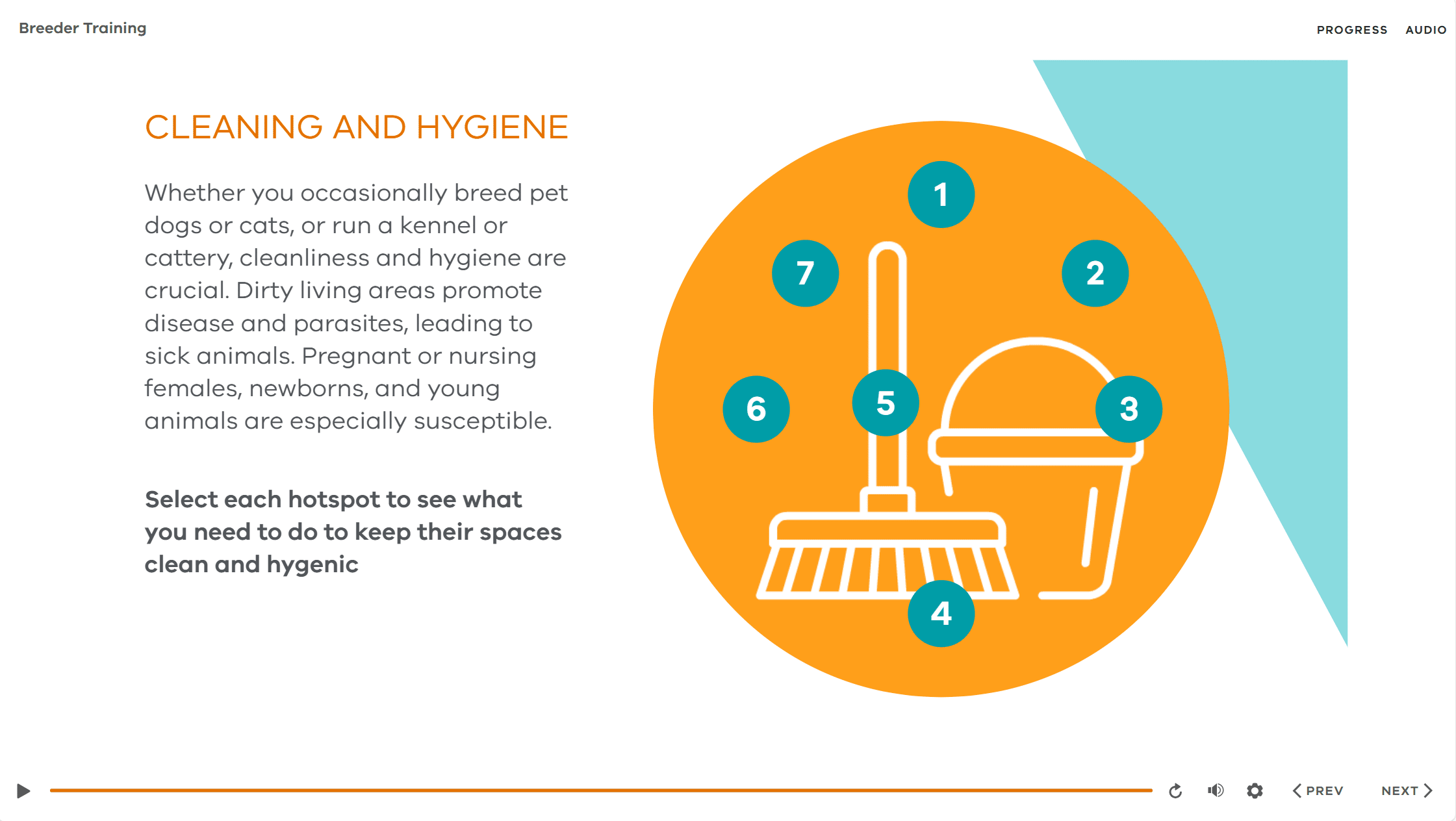
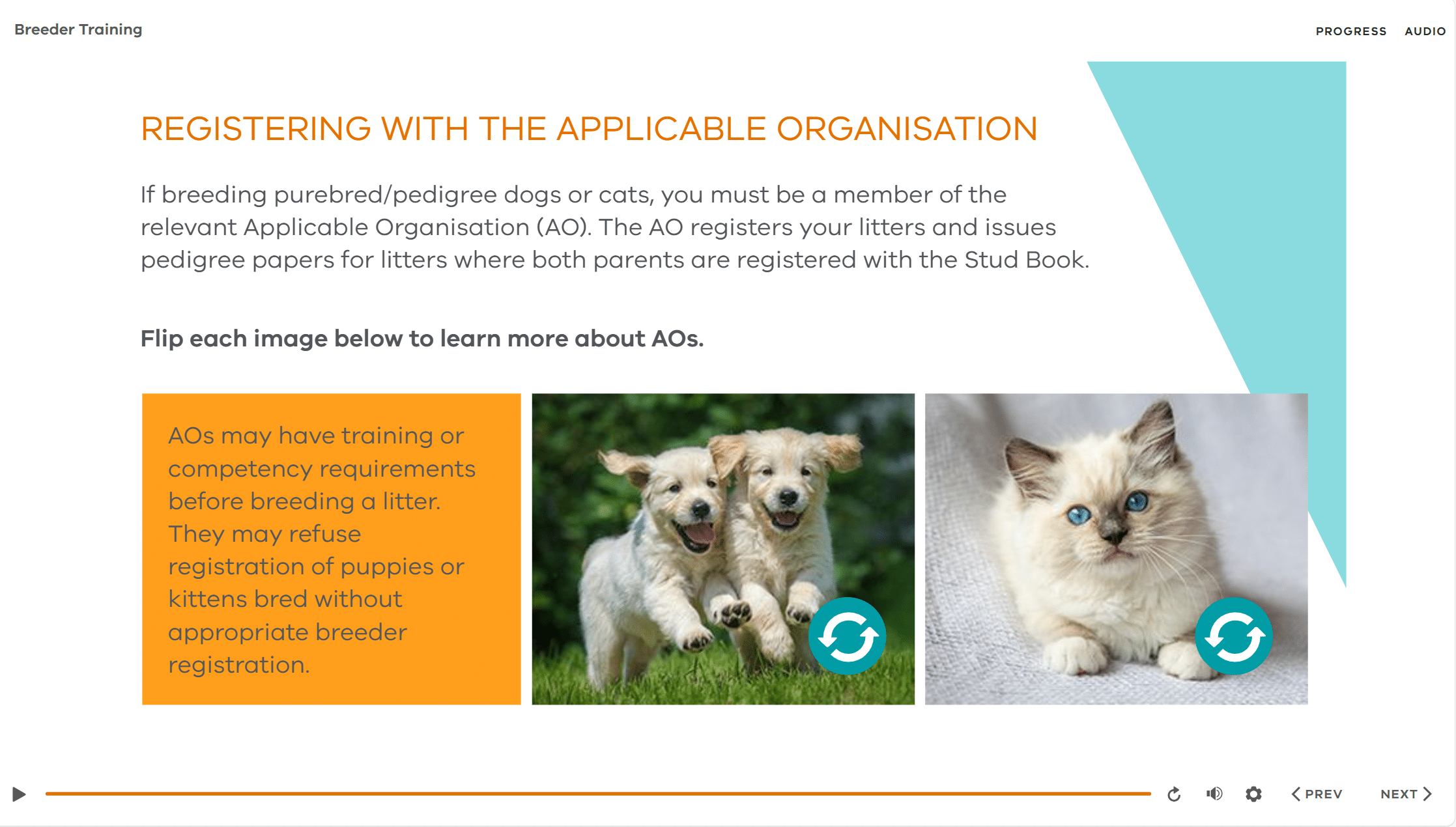
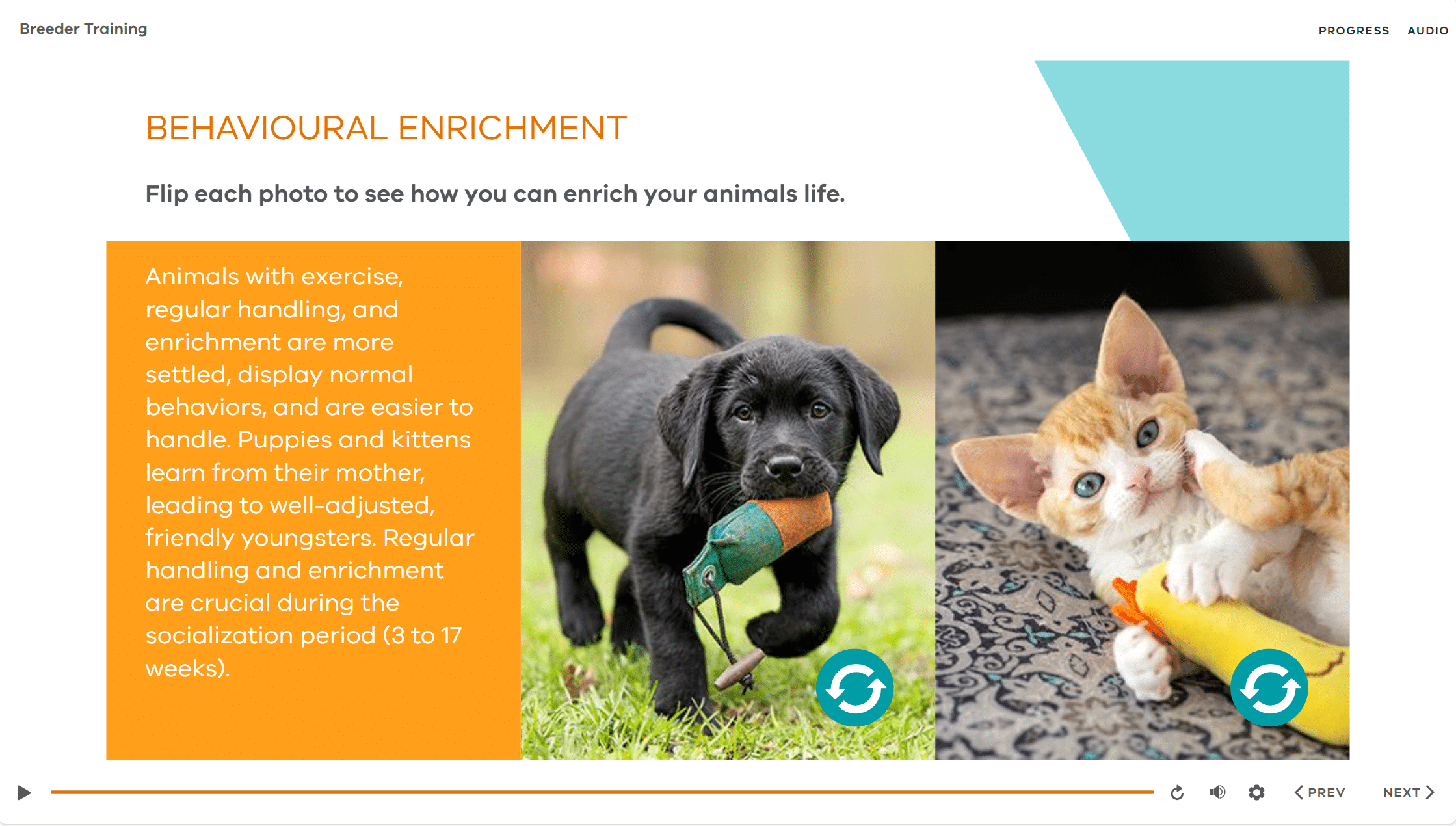
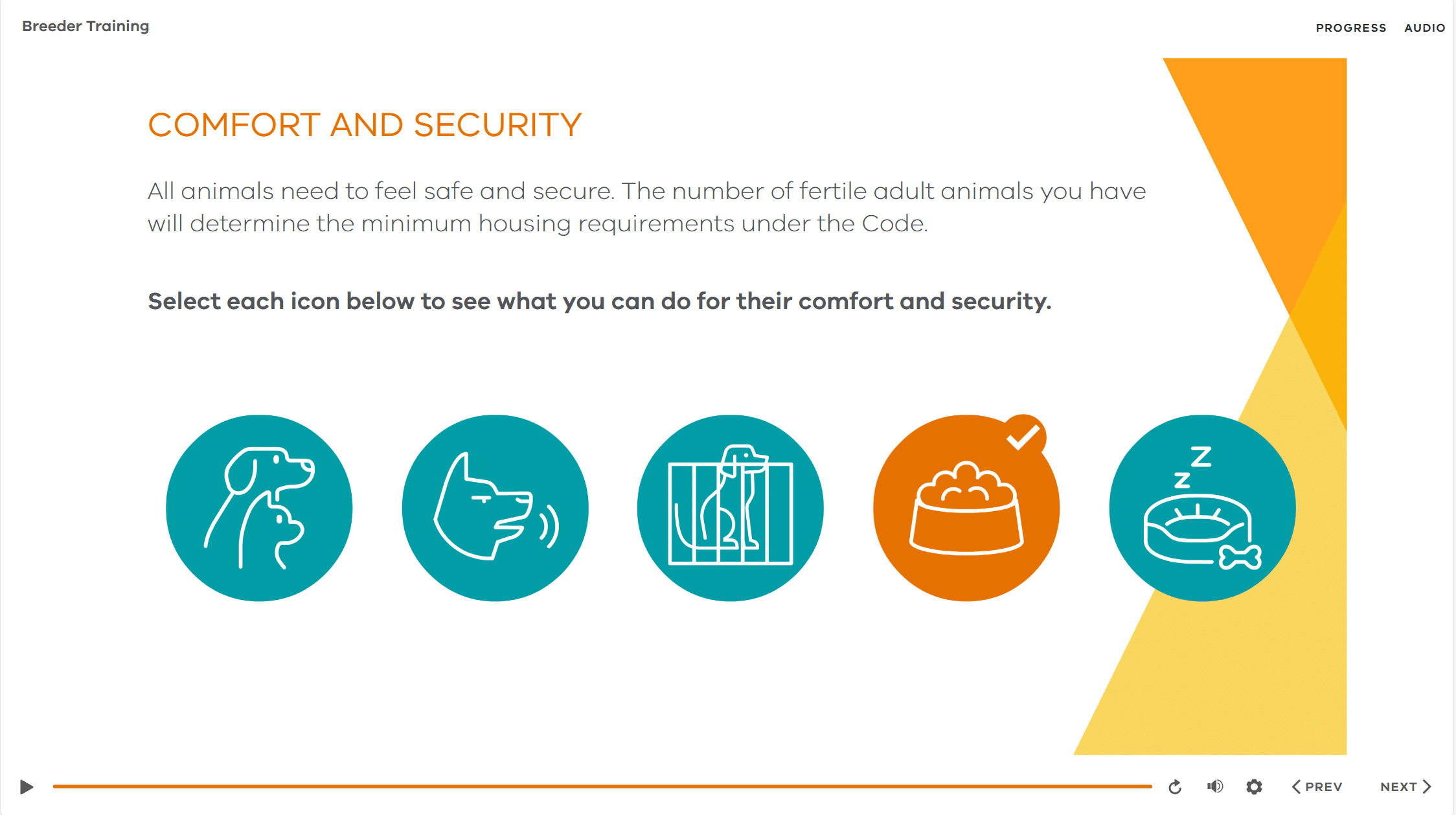
Templates eliminate that risk. They ensure that your branding, tone, and visual hierarchy stay consistent across all courses. Every button behaves the same, every screen feels familiar, and every message looks like it belongs to the same organisation.
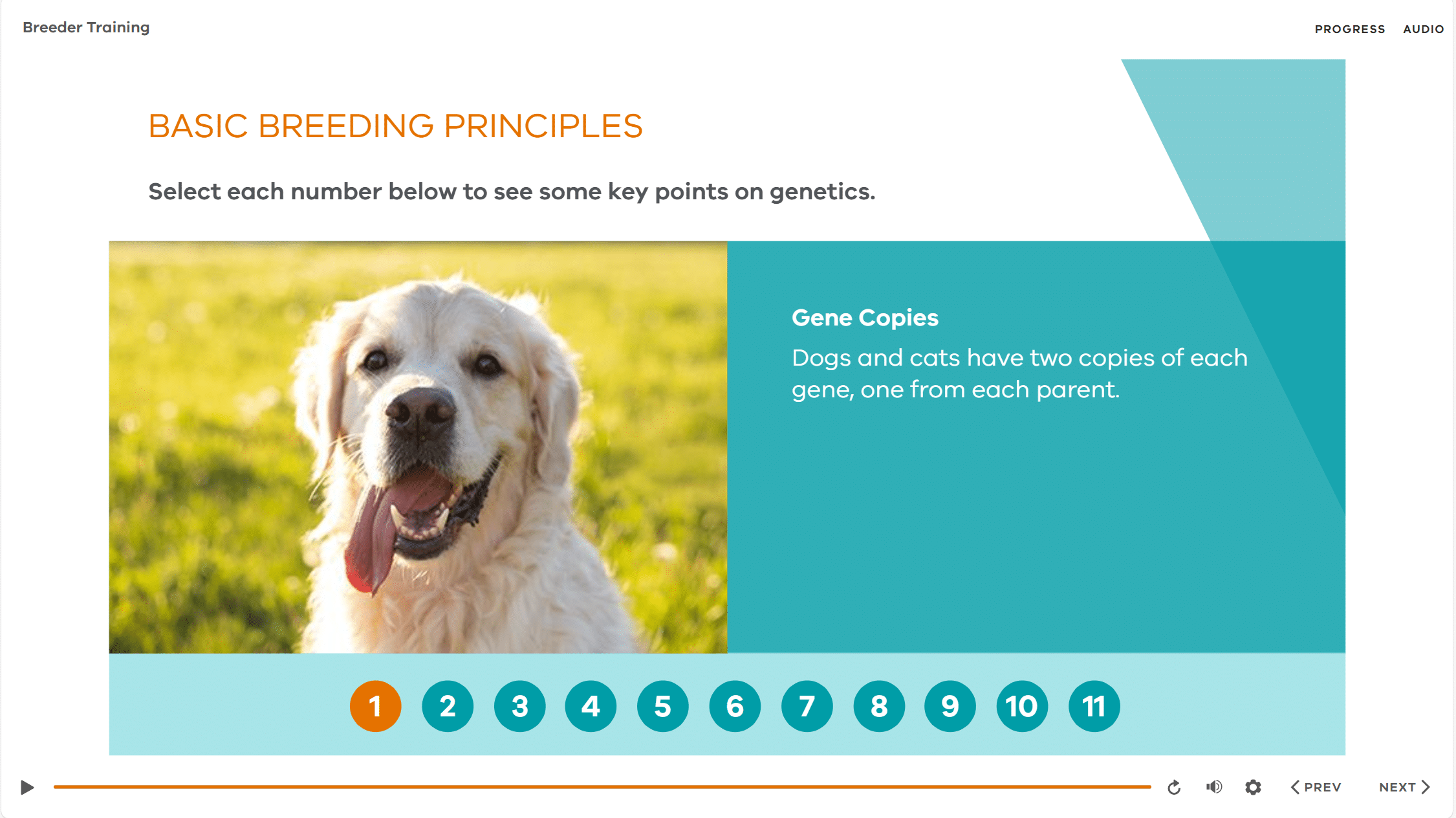
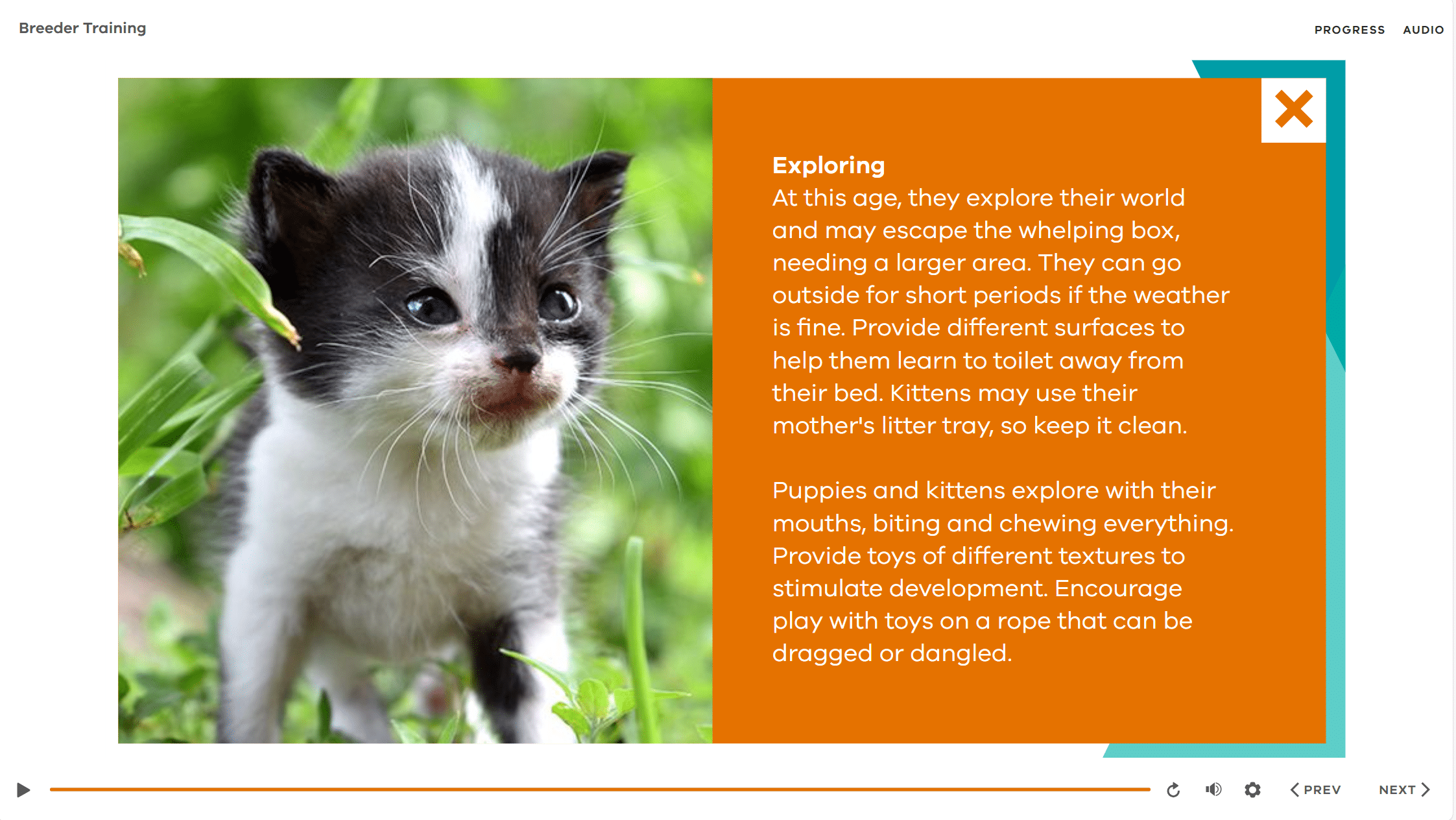
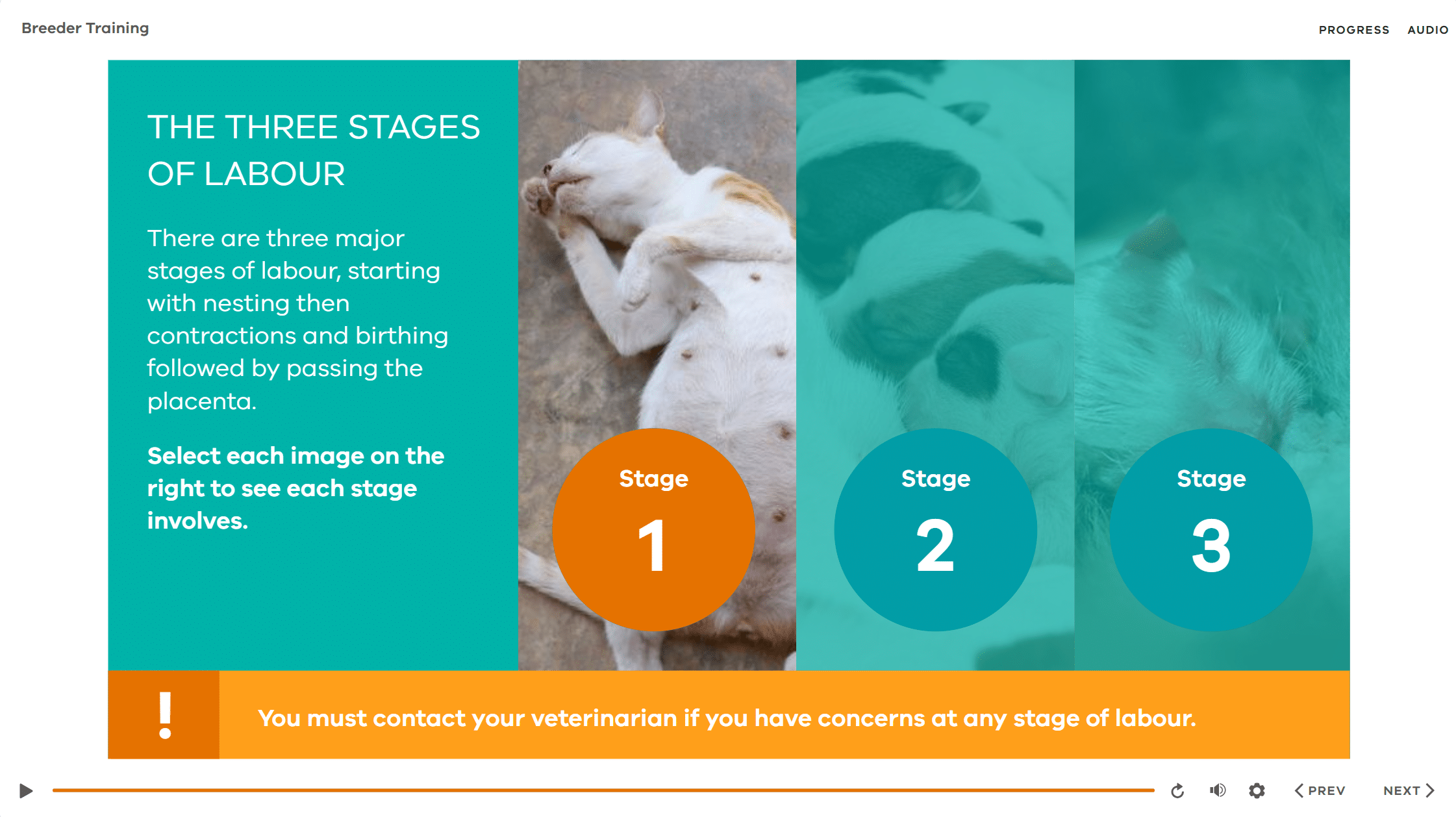
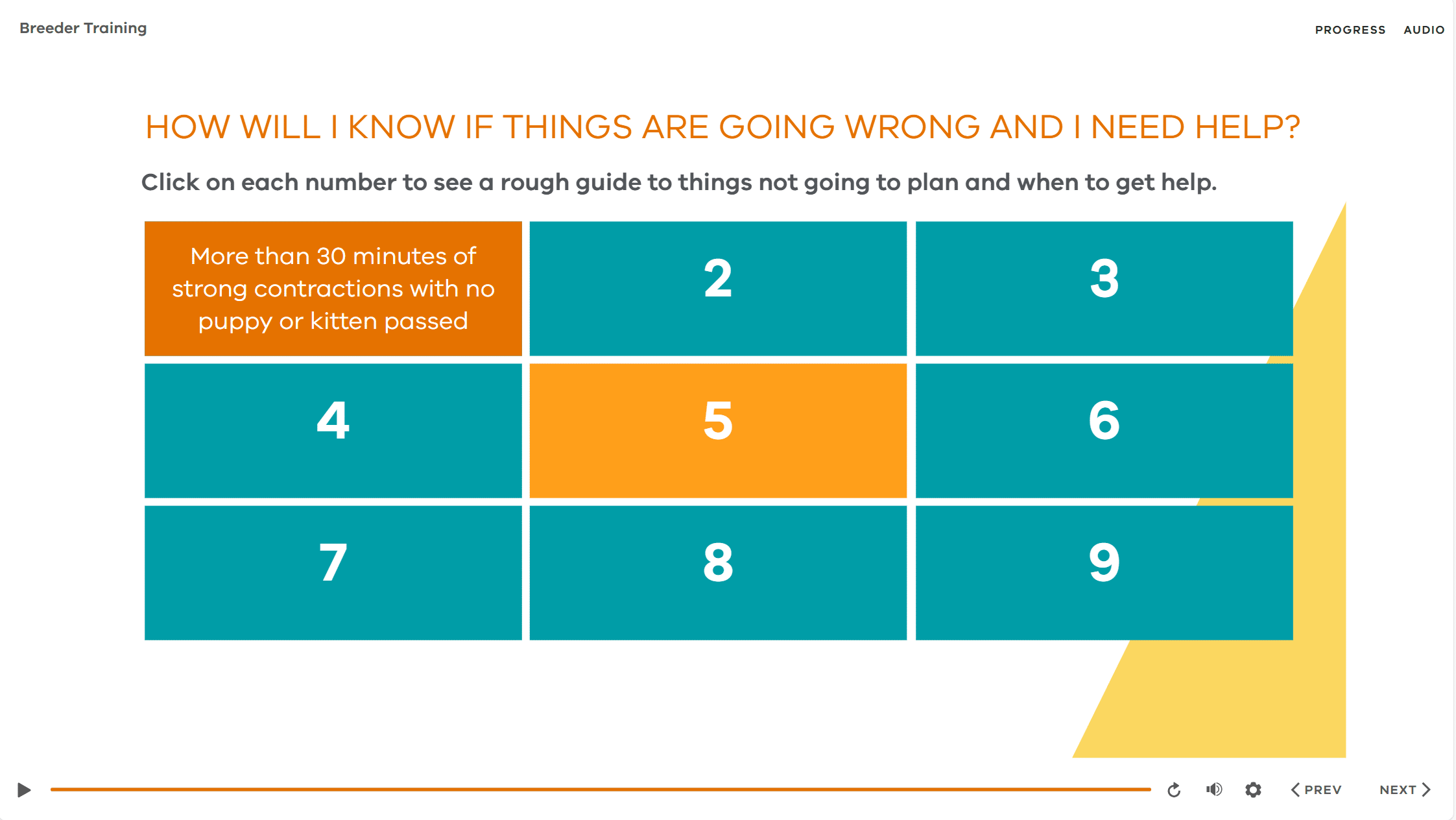
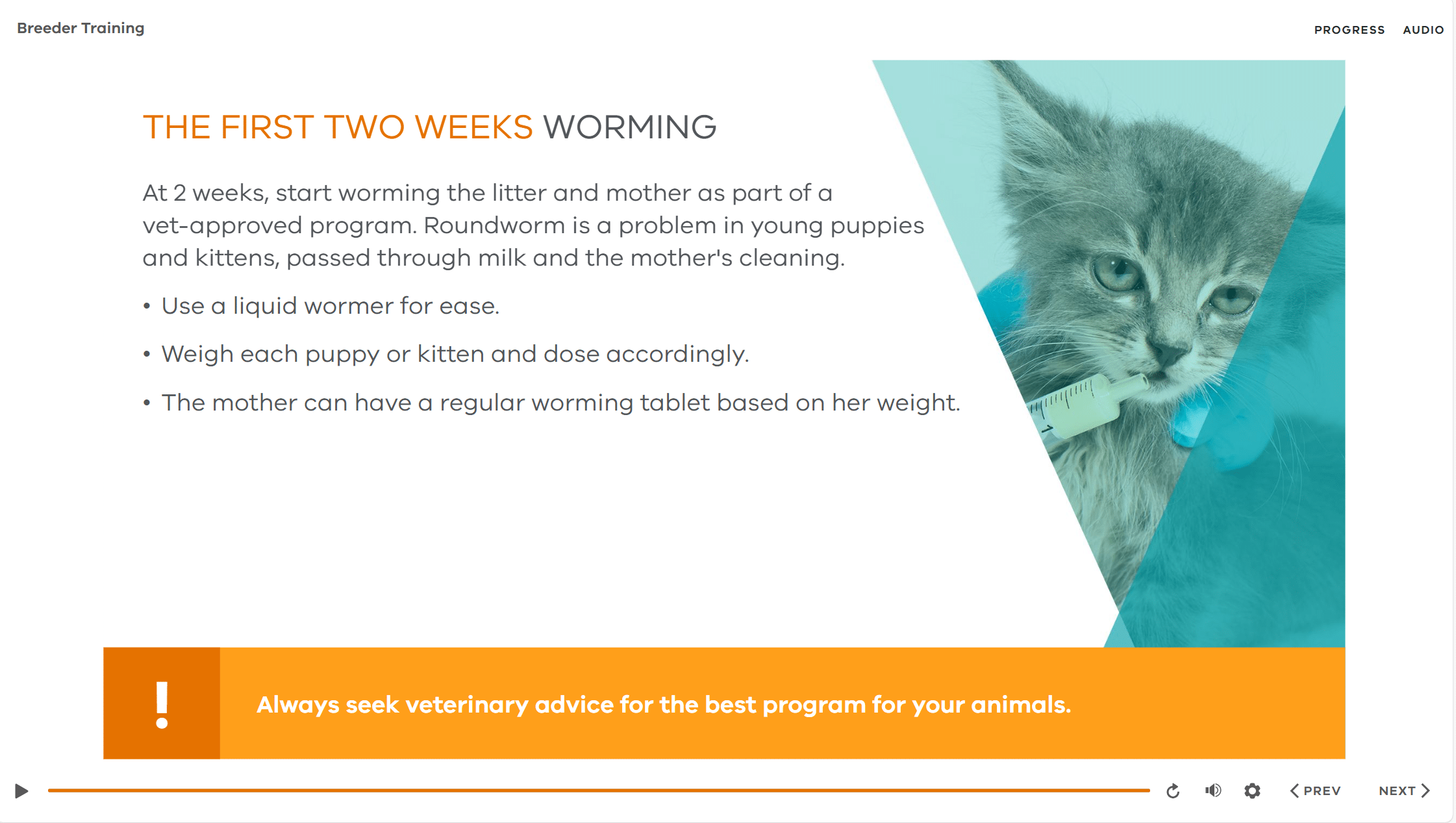
That’s especially powerful when multiple teams or external vendors are involved. With clear templates and style guides, everyone is working from the same design playbook no matter who builds the next course. Here are some screens from one of our templates.
4. Designed for collaboration and global teams
In a distributed workplace, your design team might span states, time zones, or even continents. A shared template framework becomes the common language that keeps everyone aligned.
Templates standardise not just visuals but functionality – how feedback displays, how menus work, how accessibility is implemented. This means a course developed in Sydney feels identical to one built in Singapore or London.
For global organisations, it also simplifies translation and localisation. Content teams can duplicate template modules, swap language layers, and trust that layout and functionality will stay intact.
The result? Global consistency with local flexibility. Every learner experiences a course that feels native to them but unmistakably part of your brand.
5. The business case: faster, cheaper, better
Template-driven development delivers measurable returns:
| Benefit | Impact |
|---|---|
| Speed to market | Build times cut by up to 50%, allowing parallel module development. |
| Cost efficiency | Reduced design hours and fewer rounds of rework. |
| Quality assurance | Pre-tested templates reduce bugs and accessibility errors. |
| Ease of maintenance | Easily adjust colours and fonts if branding is updated. |
| Scalability | Perfect for annual refresh cycles or large compliance programs. |
In other words: better results in less time without compromising learner experience.
6. Designing templates that evolve
The most effective templates are living systems, not static files. As tools evolve, so should your framework.
Modern Articulate templates are built around master slides and themes, so updating a colour, font, or background image refreshes every linked layout instantly. It’s one of the smartest ways to keep your design consistent and on-brand without rebuilding slides one by one. Adjust your masters once, and your whole module reflects the change saving hours on visual updates and branding refreshes. For more practical efficiencies like this, check out our post on Time-Saving Tips When Using Articulate Storyline.
At B Online Learning, we regularly refresh client templates to take advantage of the latest Articulate releases, ensuring their content looks current and performs flawlessly on today’s devices and browsers.
7. Empowering every developer
Templates also act as a training tool. When new designers or contractors join your team, a robust template shows them exactly how to structure, animate, and style modules to your standards.
That consistency lowers onboarding time and ensures that every course meets the same high benchmark even when different people are producing content simultaneously.
For organisations working with multiple internal SMEs or regional L&D teams, templates create a sense of shared ownership. Everyone contributes content, but the finished product always looks cohesive.
8. Future-proofing your content library
When you manage dozens of courses across topics and departments, updates are inevitable – new policies, system changes, refreshed branding. A well-designed template structure makes this painless: edit once, republish, and all dependent modules update.
This approach extends the lifespan of your investment. Instead of rebuilding courses every few years, you can continuously modernise within the same framework – saving both time and budget.
And when you are transferring to a new LMS, by using Articulate, all your content is already available to migrate easily.
Wrap-Up: Scale smarter, not harder
Template-driven design isn’t about taking shortcuts, it’s about building a foundation that lets you scale excellence. When your development framework is strong, your creative energy goes into storytelling, interaction, and learner experience not formatting and file management.
For teams producing training at scale, templates turn complexity into clarity. They enable collaboration, ensure consistency, and deliver the kind of efficiency every L&D department dreams of.
If you’re ready to scale smarter, our team can help you create or refine an eLearning template system that fits your brand, your tools, and your growth plans. Get in touch with our team today.